Demo This site is for demonstration only. No purchases are available here. All transactions happen inside the Shopify admin via Shopify Billing.
AI Powered · Built for Shopify

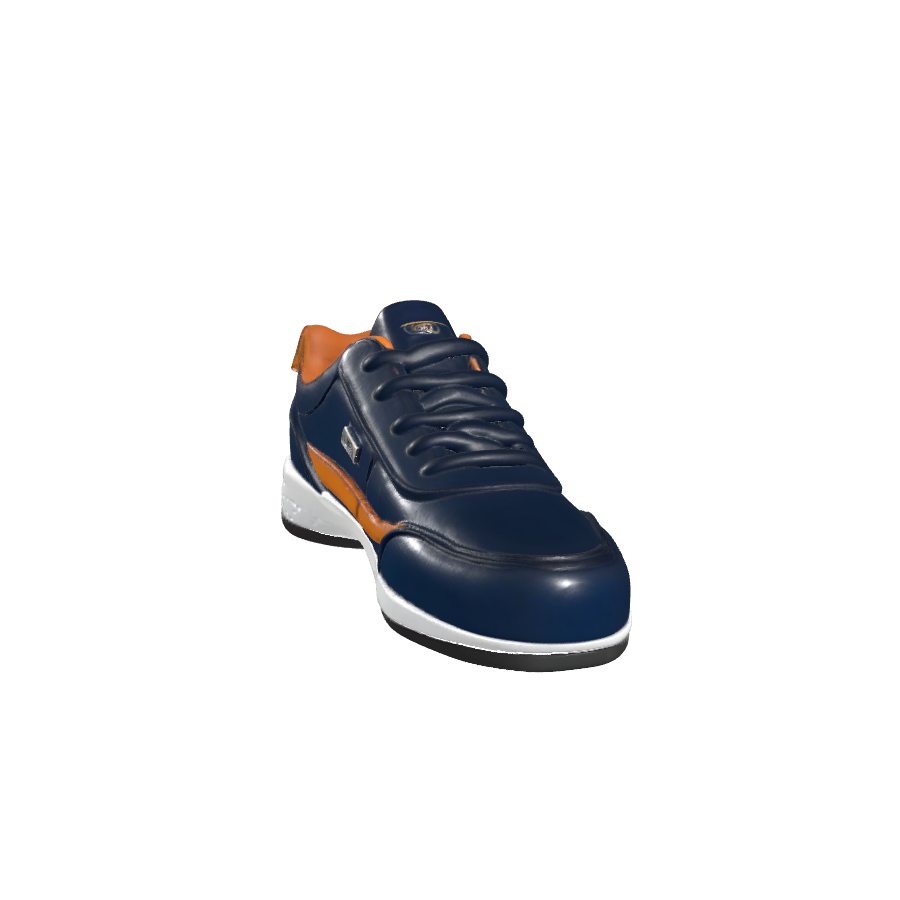
Spin your products in full 360°.

Turn ordinary product photos into interactive 360° spins that customers can drag, rotate and explore — published straight to your storefront. No code, no developer.
+27%
Avg. conversion lift*
4 min
From upload to live
4K
Max output quality
● Live demo
↔ Drag to spin
🔄 Real 360° viewer
✨ AI angle generation
🎬 Social video export
🔗 Shopify metafield sync
📱 Mobile drag-to-spin
Comparison

Static vs Interactive

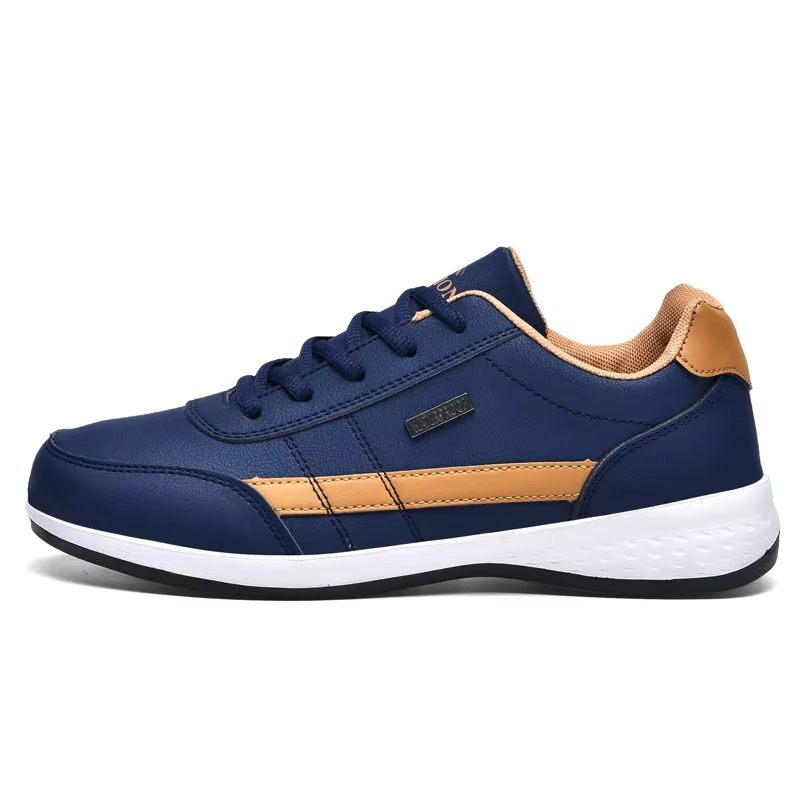
Experience the difference between a traditional flat product photo and a high-converting 360° interactive spin.

Before
Static Product View
After

360° Product View

Drag to rotate and explore the product from every angle.

0%
Loading 360° view…
Trending Now

Shop By Category

Explore our curated collections and find exactly what you need.
SonicBeat Wireless Earbuds
★★★★★ (5)
$26.00
LuxeCarry Premium Handbag
★★★★★ (5)
$32.00
New UrbanStride FlexKnit Sneakers
★★★★★ (5)
$39.00
Features

Everything you need to show products in motion

One app, three ways to create a stunning 360° experience for every product in your catalog.

🔄
Real 360° Spin
Upload 40–70 sequential photos and publish a buttery-smooth interactive spin viewer directly to your product page.
AI 360° Generator
Only have a few photos? Upload 4–5 angles and our AI builds a full 3D model, then renders the complete spin for you.
🎬
Spin to Video
Export any spin as a production-ready MP4, vertical Reel or square video for TikTok, Instagram & Facebook Ads.
🔗
Shopify Metafield Sync
Every spin links automatically to its product via metafields — no theme editing or manual embedding required.
📱
Mobile First
Touch drag-to-spin, autoplay and snappy loading make the experience flawless on every phone and tablet.
Built for Speed
Optimized frame delivery keeps your store fast while still serving crisp, high-resolution spins.
How it works

Live in three simple steps

From a folder of photos to an interactive spin on your storefront — in minutes.

1

Pick a product

Select any product from your Shopify catalog right inside the app.

2

Upload your photos

Drop in a full image sequence, or just 4–5 angles and let AI do the rest.

3

Publish & sync

One click publishes the spin and links it to your product automatically.

The AI advantage

Don't have 70 photos? Use 4.

Our AI engine reconstructs a true 3D model from just a handful of angles, then renders a complete, faithful 360° spin — capturing the back and sides you never photographed.

Try AI spins
📸 Upload 4–5 angles
🧊 AI builds a 3D model
🎞️ Renders 36+ smooth frames
🚀 Up to 4K output quality
Pricing

Plans that grow with your store

Start free, upgrade when you're ready. Cancel anytime.

Free
$0 / month
  • 3 live spin projects (Real + AI) combined
  • Real 360° spin viewer
  • Drag & auto-spin on storefront
  • Shopify metafield sync
  • Mobile-responsive viewer
  • JPG / PNG / WEBP upload
  • Small “ZS Spin” watermark
  • Standard storefront viewer
Get started
★ Most Popular
Pro
$19 / month
or $190 / year and save 17%
  • Everything in Free, plus
  • 50 live spin projects (Real + AI) combined
  • AI 360° generator — 20 spins/mo
  • HD (1080p) video export
  • All formats — Reel, Square, MP4
  • No watermark
  • Custom spin speed & controls
  • Frame strip editing & re-spin
Upgrade to Pro
Enterprise
$49 / month
or $490 / year and save 17%
  • Everything in Pro, plus
  • Unlimited live spin projects (Real + AI) combined
  • AI 360° generator — 60 spins/mo
  • 4K Ultra HD video export
  • Bulk upload & batch generation
  • API access
  • Custom branding
  • Dedicated priority support
Upgrade to Enterprise

All charges are billed in USD. Recurring and usage-based charges are billed every 30 days. See all pricing options

FAQ

Questions, answered

How many photos do I need?+
For a Real 360° spin we recommend 40–72 sequential photos. For an AI spin, just 4–5 angles (front, back, left, right) are enough.
Do I need to edit my theme code?+
No. Spins sync to your products automatically through Shopify metafields, so there's no manual embedding or theme editing.
How do AI spins work?+
Our AI reconstructs a 3D model from your uploaded angles, then renders a full 360° frame sequence — capturing views you didn't even photograph.
Can I cancel anytime?+
Yes. All plans are billed through Shopify with no long-term contract. Cancel or change plans whenever you like.
How do I create a manual 360° Spin?+
Select a product, upload multiple product images from different angles, choose your preferred spin speed, and click Generate.
How many images should I upload for the best results?+
For manual spin creation, we recommend uploading between 30 and 70 images captured from different angles around the product.
What type of images work best?+
High-quality images with consistent lighting and clear product visibility provide the best results.
Can I control the spin speed?+
Yes. You can choose between Slow, Medium, and Fast spin speeds during spin creation.

If you can't find the answer you're looking for, feel free to reach out to our support team. See all FAQs

Ready to bring your products to life?

Install ZS Spin View free and publish your first 360° spin today.