 ZS SPIN VIEW
19 ways to use 360° spins on Shopify
Each one has a live demo below, running ZS Spin View's real storefront viewer. Drag, zoom, pick a colour, switch views — exactly what your shoppers would see.
Sneakers & shoes
Shoppers turn the shoe to check the sole, the heel and the side logo before they buy.
- Shoot 24–72 photos around the shoe, or film one slow turn.
- Real 360 Spin → pick the product → upload → Generate & Link Spin.
- The spin shows on the product page through the ZS 360 Spin Viewer block.
Cosmetics & bottles — from one photo
Bottles and jars are the best case for AI: upload one clean photo and the AI builds the whole turn.
- AI Spin → pick the product → upload one sharp photo on a plain background.
- Generate. In 1–3 minutes the spin is on the product page.
- The sides and back are created by the AI, so check it before it goes live.
This perfume spin was made by the app's AI from a single product photo.
Home decor & handmade pieces
One-off pieces sell on detail: every side, the base, the finish.
- Photograph the piece on a turntable (a cheap lazy Susan works).
- Real 360 Spin → upload the photos.
- Turn on zoom in the block so shoppers can look closer.
Toys & collectibles
Collectors want every angle of the piece and the box — and to zoom in on condition.
- Spin the item and its packaging.
- Add a second spin with a view name (e.g. "Box") to show both as tabs.
- Zoom lets them check paint and edges.
Jewellery & watches — zoom in
Double-click, double-tap, pinch or press the magnifier: the angle you are on opens up close, with a sharper image, and you drag to look around.
- Zoom is on by default (block setting "Enable zoom").
- Upload photos at least 1600 px wide so the close-up stays sharp.
- Shoppers press Esc or the button again to go back to turning.
Try it: double-click the bottle's label.
Electronics & gadgets — hotspots
Labels pinned to the product itself: a dot on the button, the port or the speaker that names it on the angles where it shows.
- Workspace → select the spin → Edit Spin → Hotspots.
- Turn to an angle, click the spot, type the label.
- Save. Dots appear on that angle and the ones next to it.
Furniture — spin plus callouts
Big items are bought on materials and build: show the whole piece and call out what matters.
- Spin the piece (a photo set, or a short walk-around video).
- Add hotspots for materials, joints and hidden storage.
- Use 'As the first slide of the product gallery' so it sits with the photos.
Many colours — the spin follows the picker
Pick another colour and the spin changes to that colour. One spin per variant, chosen automatically.
- Make a spin for each colour.
- Edit Spin → 'Show for this variant' → choose the colour.
- On the product page, the viewer switches when the shopper picks it.
Several views of one product — tabs
More than one spin on a product, as tabs above the viewer.
- Make the extra spin for the same product.
- Edit Spin → View name: e.g. "Open" or "From above".
- The main spin keeps its place; named spins become tabs.
Here: the same sofa at eye level and from above. In a bag store: Closed / Open / Inside.
Bags & backpacks
Straps, pockets and the back panel — the questions a flat photo leaves open.
- AI from one photo for simple shapes, or a photo set for detailed bags.
- Add hotspots for pockets and zips.
- Add views (Open / Inside) as tabs.
This backpack spin was made by the app's AI from a single photo.
Collection pages — spin on hover
On collection and search pages, a product card with a spin turns when the pointer rests on it.
- Theme settings → App embeds → ZS Spin View.
- Tick 'Spin product cards on hover'.
- Works on computers; phones keep the normal card.
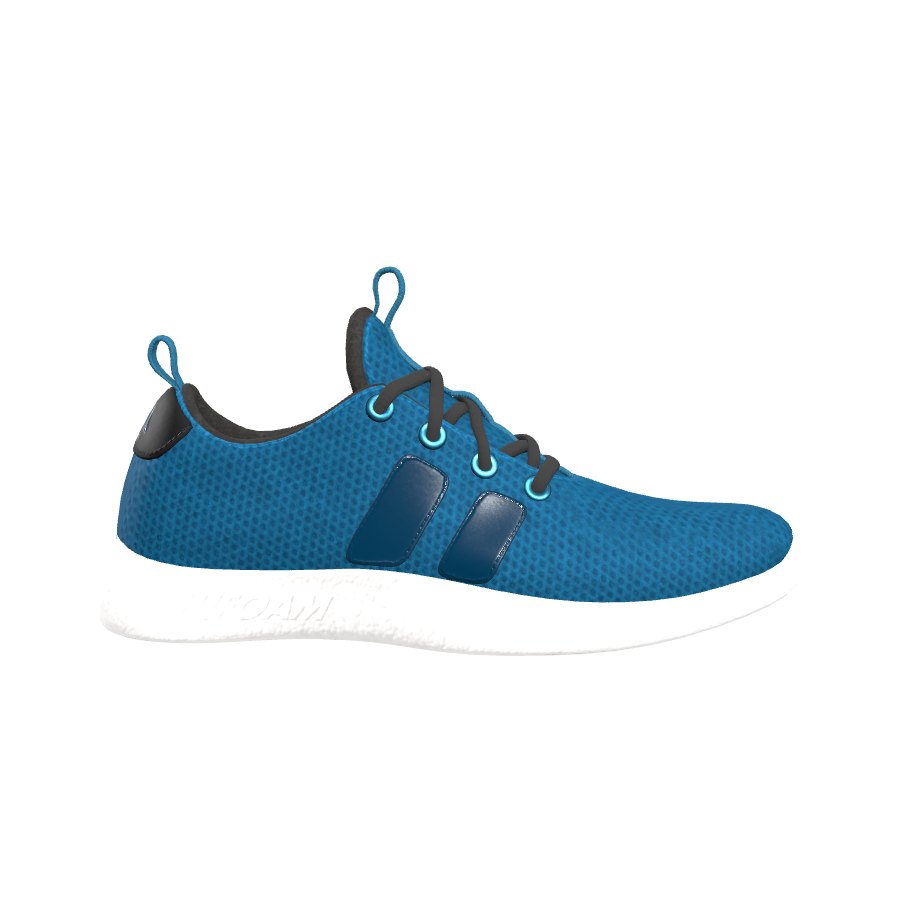
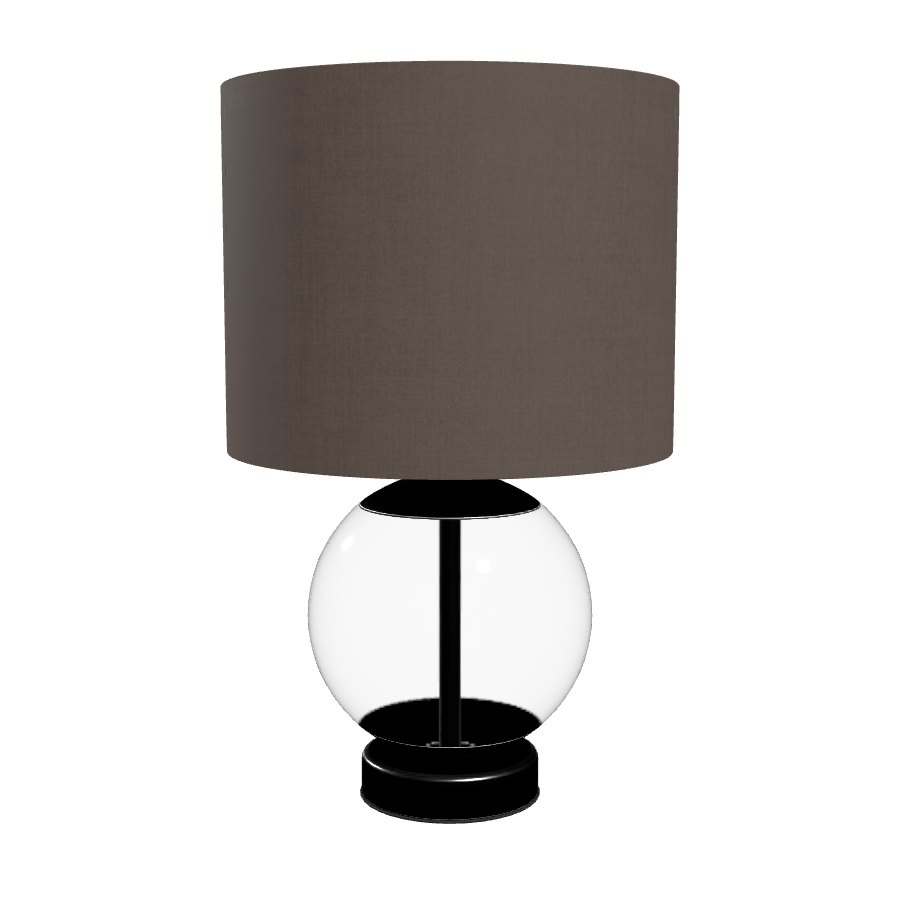
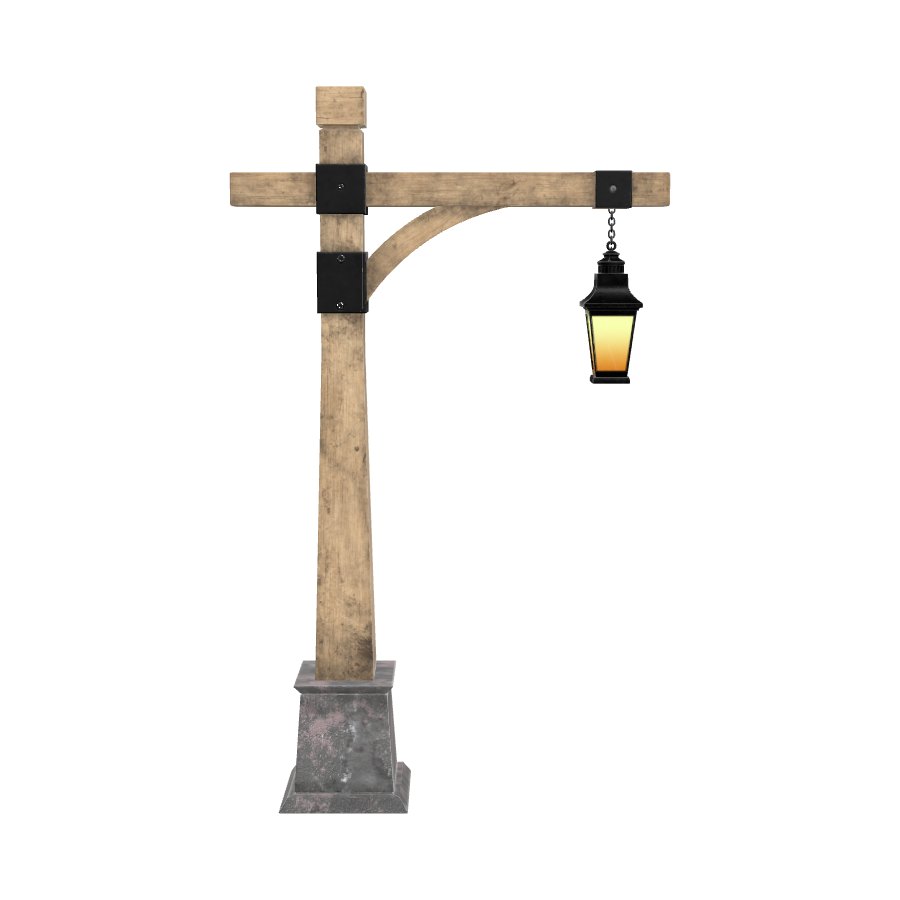
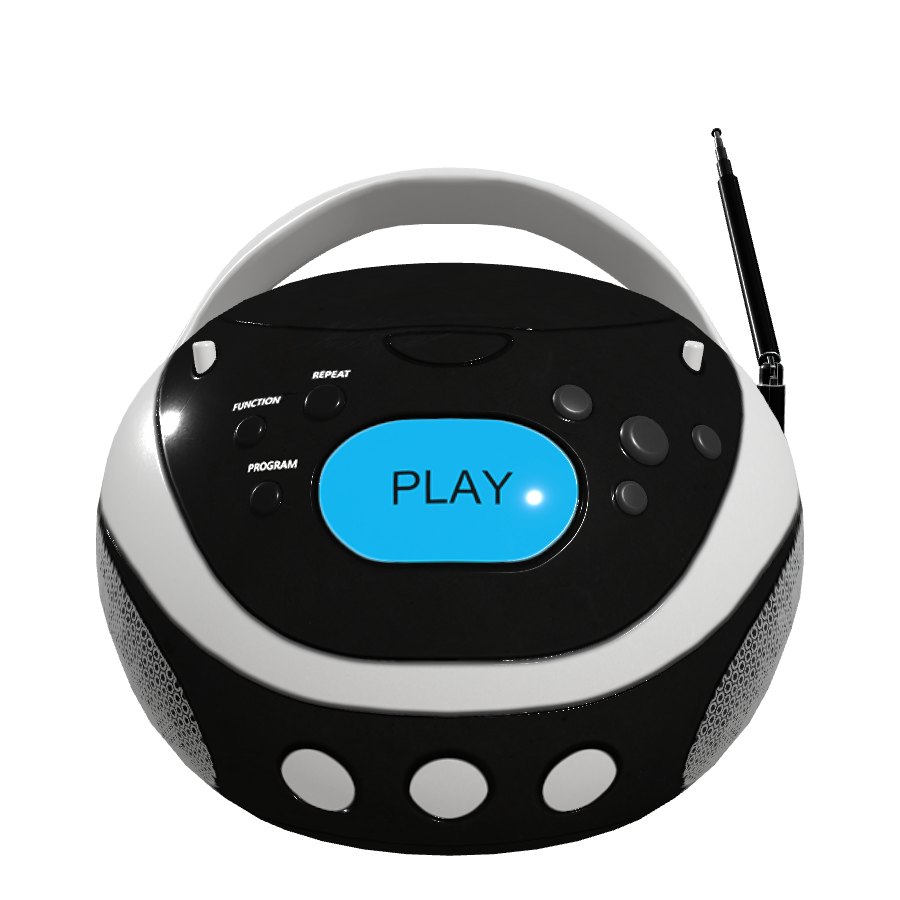
Rest the pointer on a card (on a computer).
Spin inside the product gallery
The spin as the first picture of the product, swiped to on phones like the others.
- Theme editor → product page → ZS 360 Spin Viewer block.
- Where to show the spin → 'As the first slide of the product gallery'.
- Other themes: 'At the top of the product gallery'.
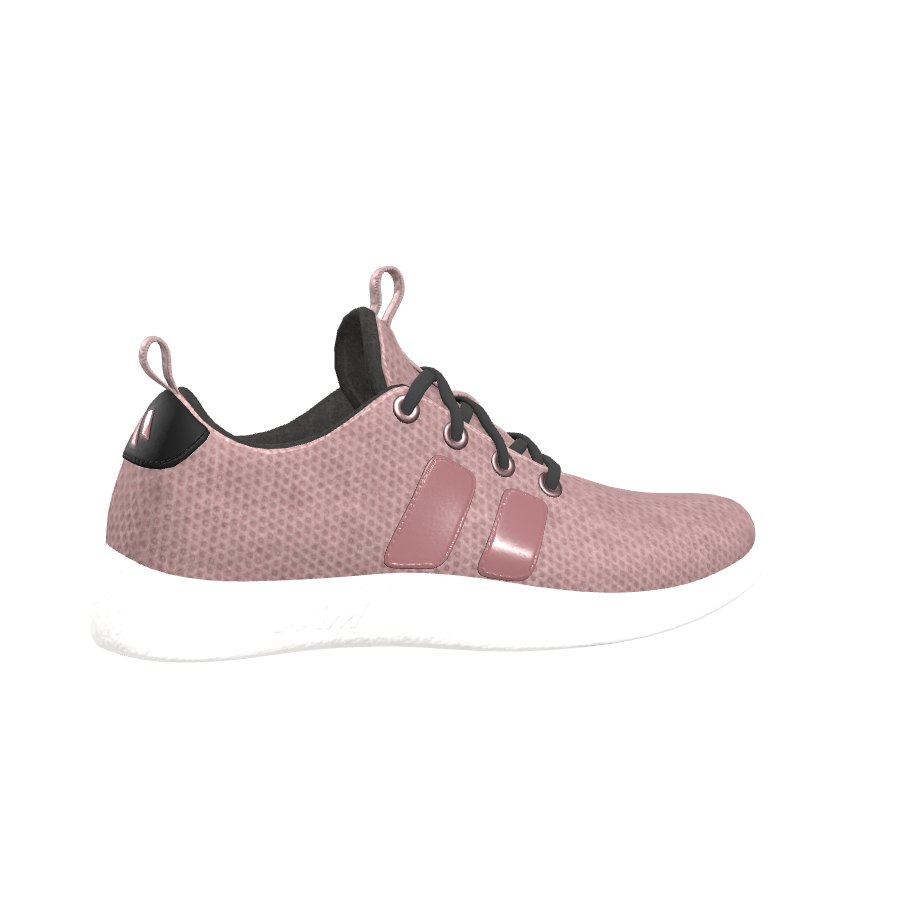
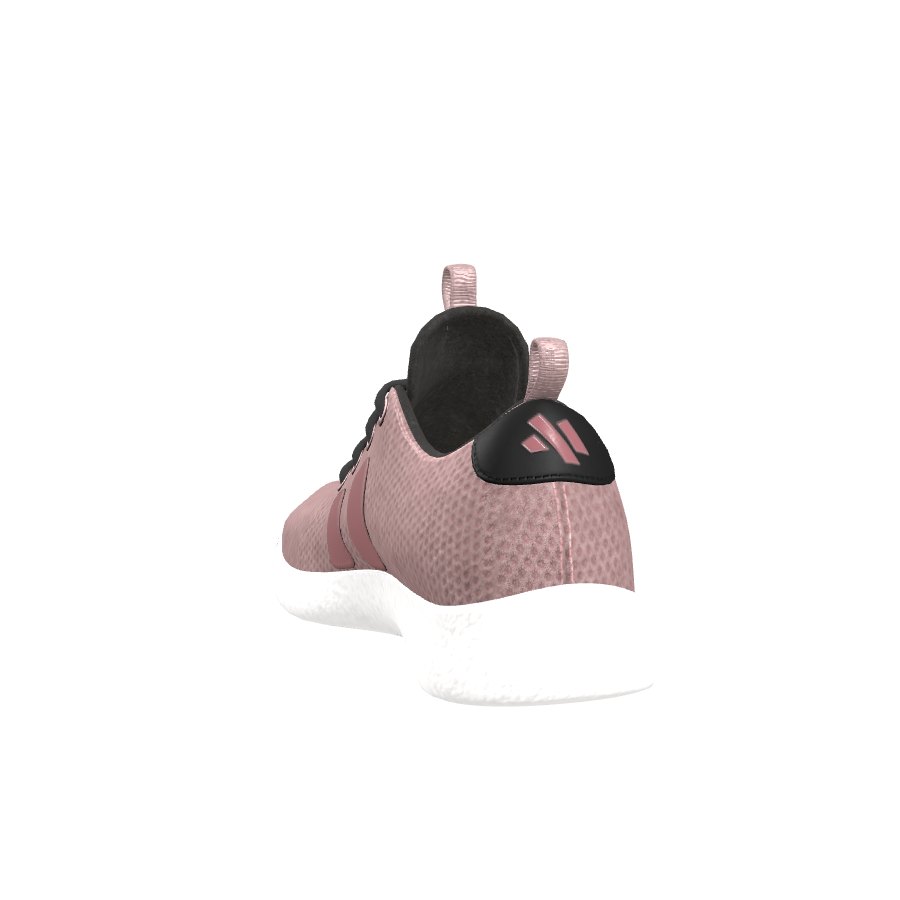
No turntable? Film a video
Film one slow turn of the product. The app takes evenly spaced frames from the video and makes the spin.
- Real 360 Spin → Video.
- Upload an MP4 or MOV under 90 seconds, choose 24–72 frames.
- Generate & Link Spin.
The video on the left was turned into the spin on the right by the app's video step (36 frames).
View in your room (3D / AR)
The AI builds a 3D model to make its spin. Tick one box and that model is added to the product, so phone shoppers can place it in their room.
- AI Spin → tick 'Also add the 3D model to the product'.
- Generate. The model is added to the product's media.
- Themes show it in the gallery with a 'View in your space' button on phones.
This is how a product 3D model looks in Shopify themes (model-viewer). On a phone, tap the AR button.
Instagram Reels & TikTok
Every spin exports as a vertical video, a square post or an MP4 — free on every plan.
- Spin to Video → pick the spin.
- Choose Reel (9:16), Square or MP4, 720p or 1080p.
- Download and post.
Email campaigns
A turning product in the inbox: export the spin as a GIF and drop it into your email.
- Spin to Video → choose GIF.
- Download.
- Insert it in Shopify Email, Klaviyo or any email tool.
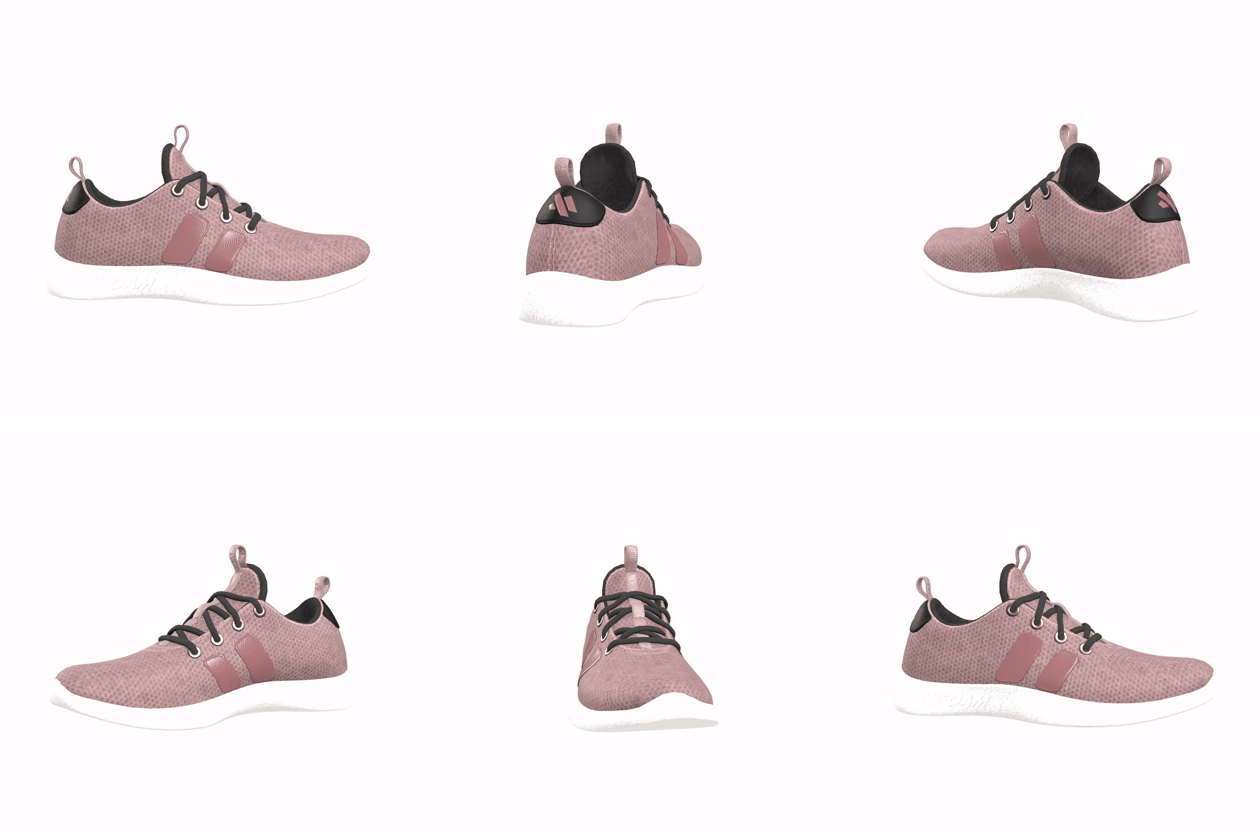
Any page: launches, lookbooks, page builders
The same viewer on any page, not only the product page. This whole site is an example.
- Theme editor → the page → Add block → ZS 360 Spin Viewer.
- Product: pick the product whose spin to show.
- Save.
A whole catalogue in one go
Pick products and the app builds an AI spin for each from its main image — no uploading.
- Bulk AI Spins → tick the products.
- Queue. Spins are made one by one in the background; you get an email when done.
- Each spin uses one AI credit (Starter plan and up).
Prove it sells
The dashboard compares add-to-cart on product pages with a spin against pages without one — your own numbers.
- Turn on the app embed (it counts visits and add-to-carts).
- Give it a couple of weeks of traffic.
- Dashboard → Spin ROI shows views, time spent turning and the lift.
3D sample models from the Khronos glTF Sample Assets: Materials Variants Shoe (CC-BY 4.0, © Shopify), Glam Velvet Sofa and Iridescence Lamp (CC-BY 4.0, © Wayfair), Sheen Chair, Toy Car, BoomBox, Lantern, Water Bottle and Corset (CC0). Rendered into spins with ZS Spin View's own render pipeline. The perfume, backpack, gadget and shirt spins were made with the app itself.